
 Firefox is the top most world widely used web browser. Because it is handy and have lots of features though its add-on and extension. Sometimes we download files using Firefox and on the same time we need to go for some work. So until we come back the computer waste the energy. In this situation we can use Firefox Auto shutdown thecomputer when downloads are completed and helps us to save electric power.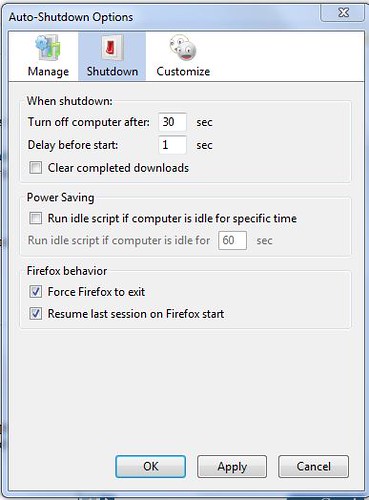
Auto Shutdown is a cool Firefox add-on which controls your active downloadand shut down the computer when downloads are completed through is auto executing user script. Not only this but if Firefox is running idle it also shut downs the pc 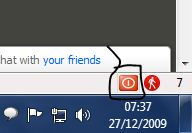 automatically with pre defined shut down time.
automatically with pre defined shut down time.If you are using Downthemall Firefoxextension for downloading movies, video, music and images from web then you can easily integrate Auto shutdown Firefox extension with downthemall add-on.
You visited a few times and I would appreciate your thoughts on this post, why not comment?
 Categories:
FIREFOX TIPS
Categories:
FIREFOX TIPS


 Previous Article


Responses
0 Respones to "How To Shutdown Computer Automatically Using Firefox Auto Shutdown Add-on"
Post a Comment